You can easily extend the web client URL to open tables and see all records by following this syntax:
https://<hostname>[/<aadtenantid>][/<environmentname>]/?table=<ID>I've created a local docker environment called de-latest and I am opening table 225 "Post Code":
👉 http://de-latest/BC/?tenant=default&table=225
🔎 Full web client URL syntax:
https://<hostname>\[/<aadtenantid>\]\[/<environmentname>\]/?\[company=<companyname>\]&\[page|query|report|table=<ID>\]&\[tenant=<tenantID>\]&\[mode=<View|Edit|Create>\]&\[profile=<profileID>\]&\[customize\]&\[bookmark=<bookmark>\]&\[captionhelpdisabled=<0|1>\]&\[showribbon=<0|1>\]&\[shownavigation=<0|1>\]&\[showuiparts=<0|1>\]&\[showheader=<0|1>\]&\[isembedded=1\]&\[pagesize=<number of lines>\]&\[redirect<0|1>\]&\[extension=<extensionID>\]🔗 More information:
Microsoft Docs – Web client URLs
This is my "Post Code" table:
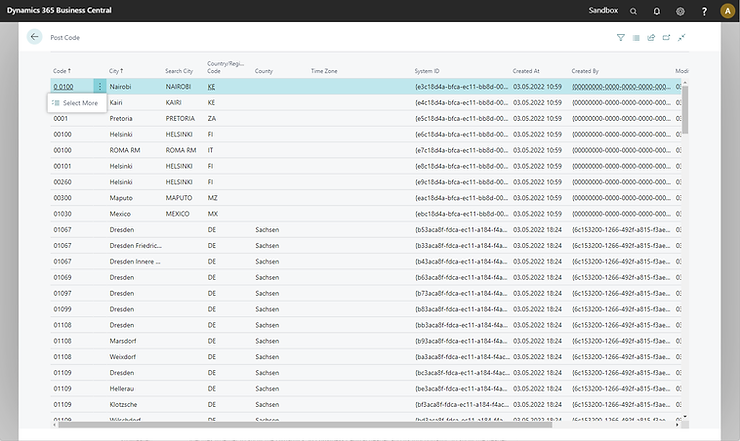
😢 I cannot edit, delete or insert any records here...
✨ Hidden Feature: Use the Tablet Client
Just open your local instance or SaaS tenant using the tablet client:
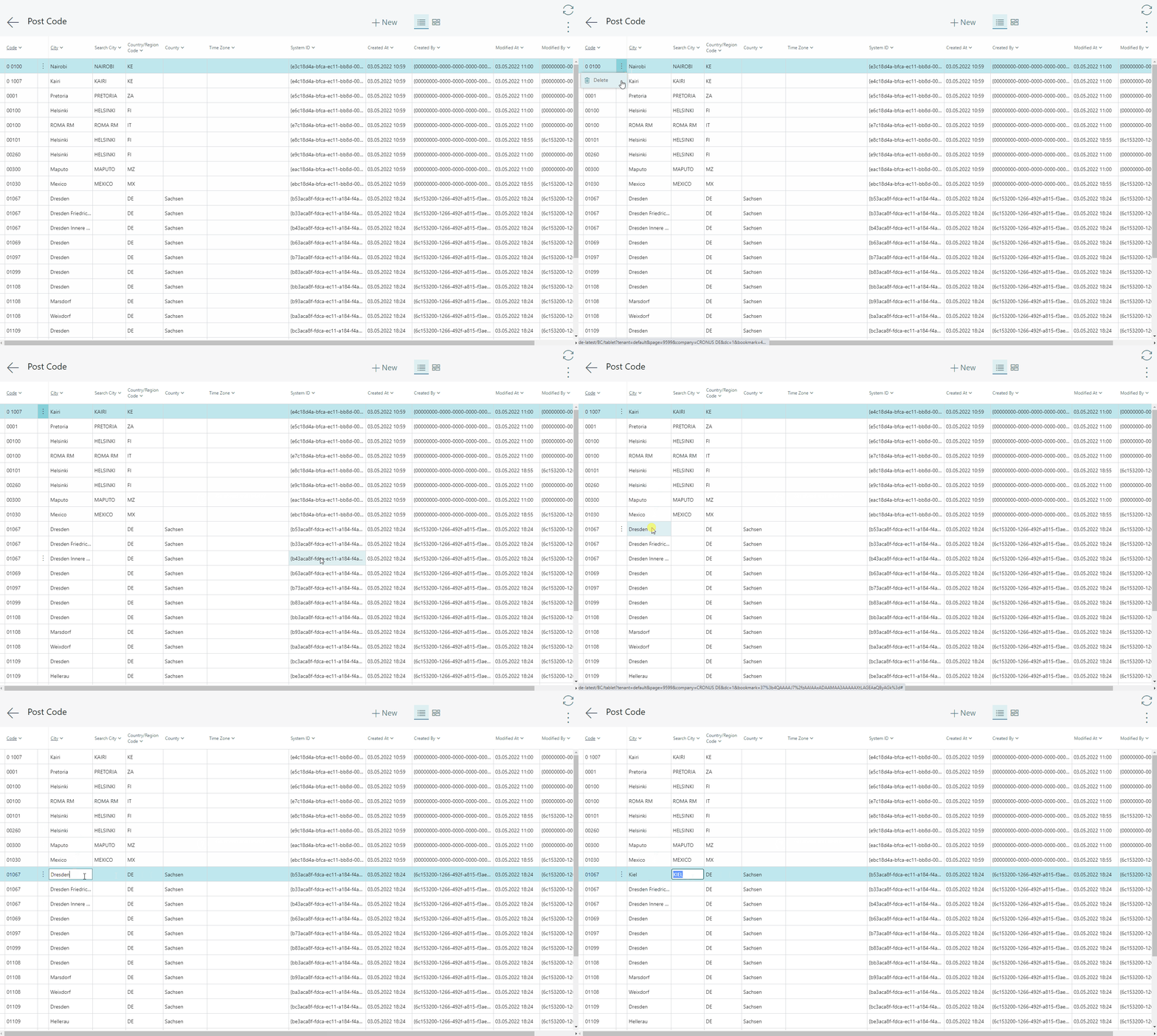
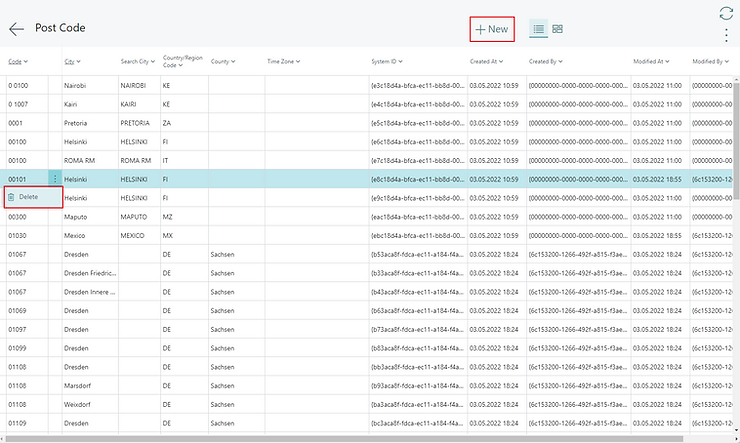
🎉 Now you can edit, delete, or even insert new records!