

Imagine you are building an extension on some standard tables and you would like to find out where some procedures or fields are used in the whole microsoft base app.
There are several reasons why you should look after some background business logic.
Jump into your extension you are developing at and select that procedure or field you are looking for:
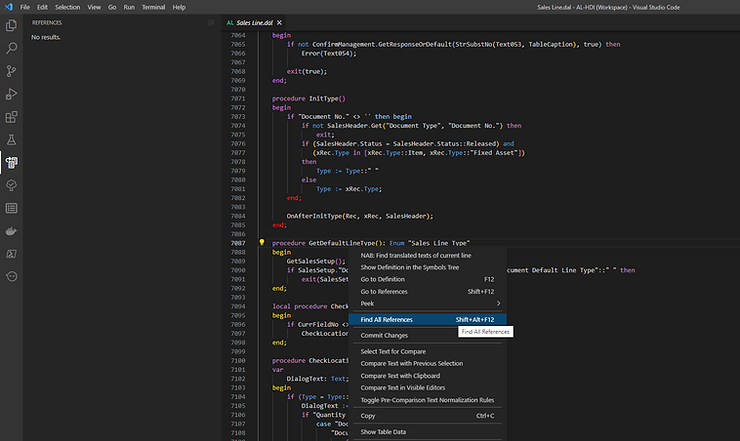
Hit Shift+Alt+F12 or look for "Find All References" in your context menu.
But: You are going to find nothing!
So let's make it work!
Follow these steps:
- So let's try to compile the base app and see if it works. Download your specified artifact:
Get-BcArtifactUrl -type onprem -country 'de' -select Latestor for major releases:
Get-BcArtifactUrl -type Sandbox -country 'de' -select NextMajor -accept_insiderEula- This command will show up your artifact url:
$url = https://bcinsider-fvh2ekdjecfjd6gk.b02.azurefd.net/sandbox/25.0.23364.24387/de- Let's download BC25 Business Central DE-localization:
Download-Artifacts -artifactUrl $url -includePlatform- On your local drive, system will create this folder where you can jump in, to get the base app:
C:\bcartifacts.cache\sandbox\25.0.23364.24387\platform\applications\BaseApp\Source\Base Application.Source.zipThis is how the zip file looks like:
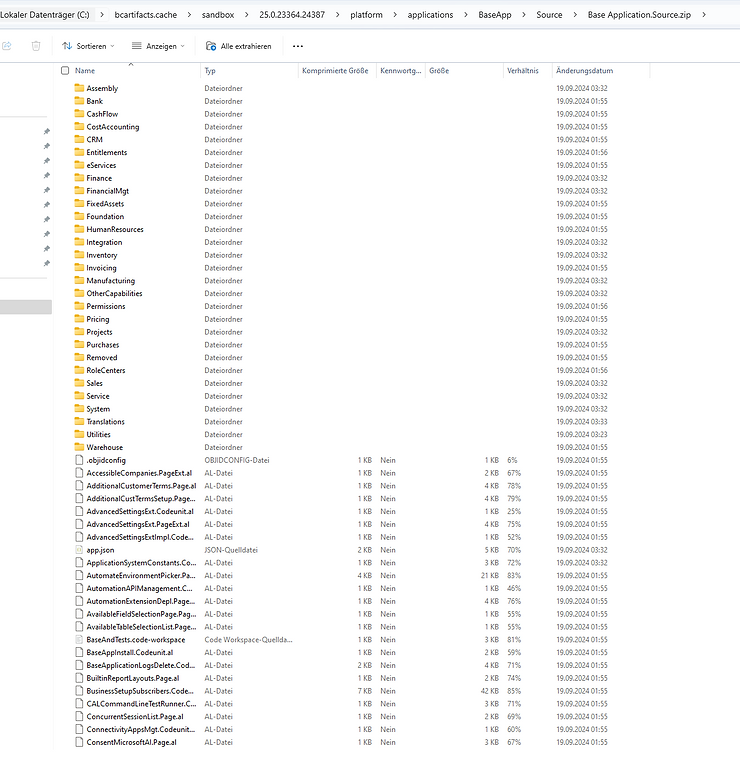
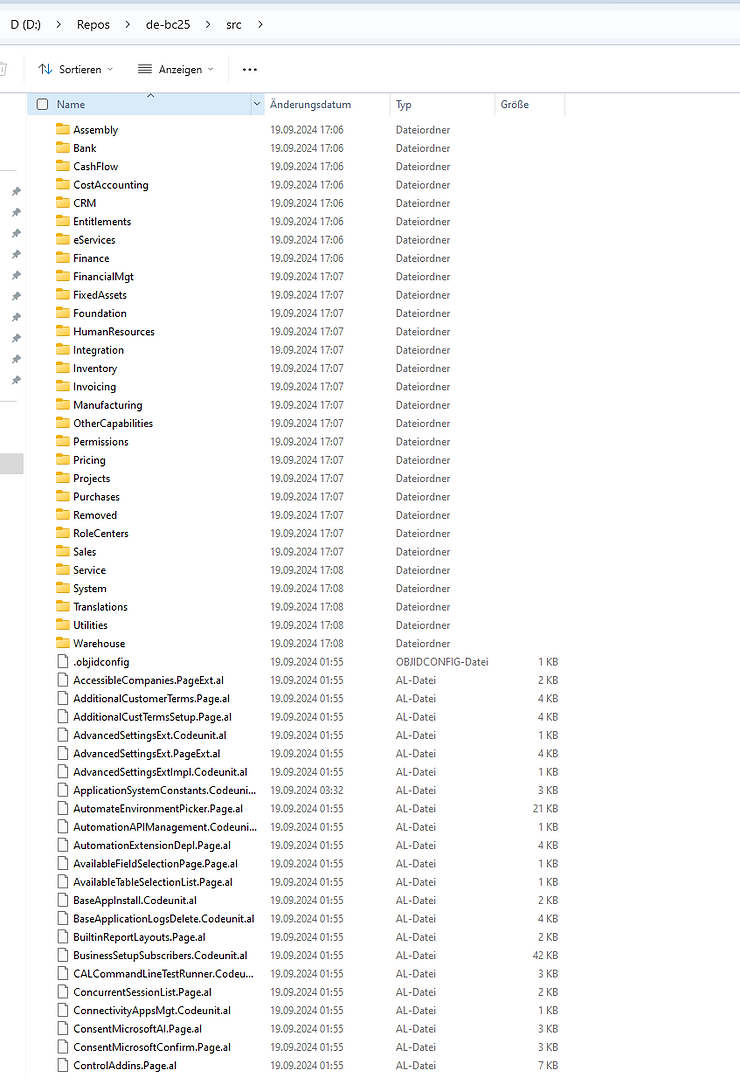
- Create a local repository and extract all files from that base-zip file into a folder called "src" of local project "de-bc25":
Your src-folder contains now all unpacked files:
- Take the System App, Application App, Business Foundation and the System Application App and put them into the ".alpackages" folder:
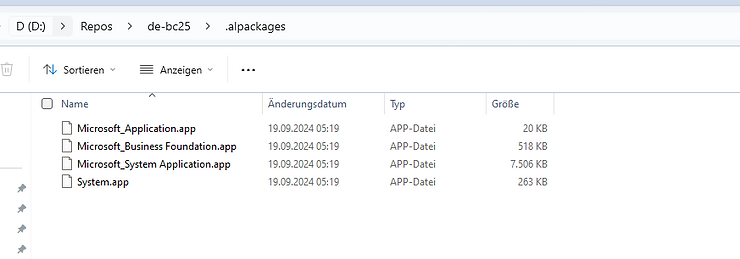
From here:
System.app→C:\bcartifacts.cache\sandbox\25.0.23364.24387\platform\ModernDev\program files\Microsoft Dynamics NAV\250\AL Development EnvironmentMicrosoft_System Application.app→C:\bcartifacts.cache\sandbox\25.0.23364.24387\platform\applications\System Application\SourceMicrosoft_Application.app→C:\bcartifacts.cache\sandbox\25.0.23364.24387\platform\applications\Application\SourceMicrosoft_Business Foundation.app→C:\bcartifacts.cache\sandbox\25.0.23364.24387\platform\applications\BusinessFoundation\SourceCopy all assemblies (all dll-files) into your local project
From here:
C:\bcartifacts.cache\sandbox\25.0.23364.24401\platform\ServiceTier
C:\ProgramData\BcContainerHelper\Extensions\de-bc25\.netPackages\assembly
C:\ProgramData\BcContainerHelper\Extensions\de-bc25\.netPackages\Service
And copy them into your ".netpackages" folder:
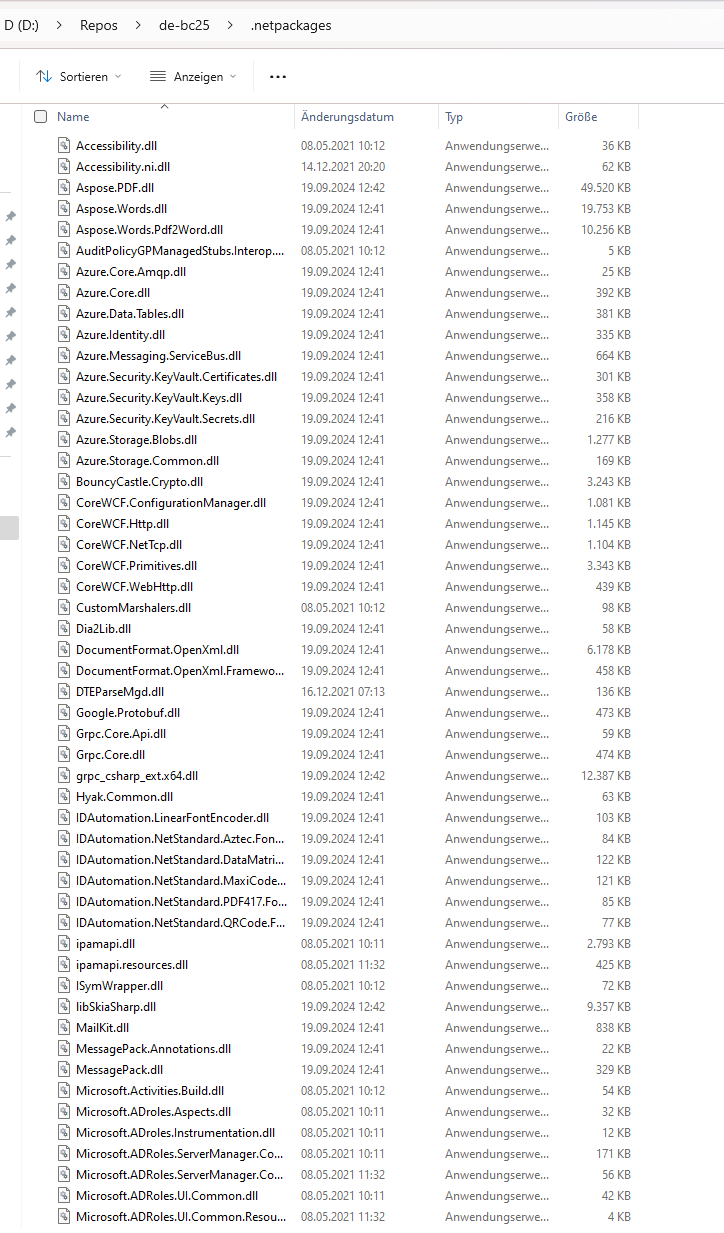
- Add the runtime-property
"15.0"into yourapp.json. It should look like this:
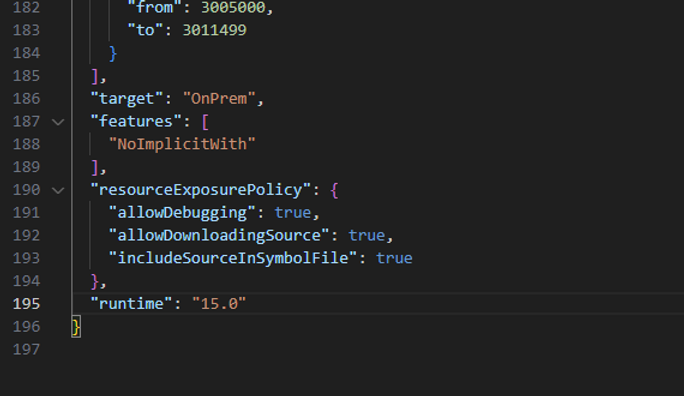
And you are ready to compile!
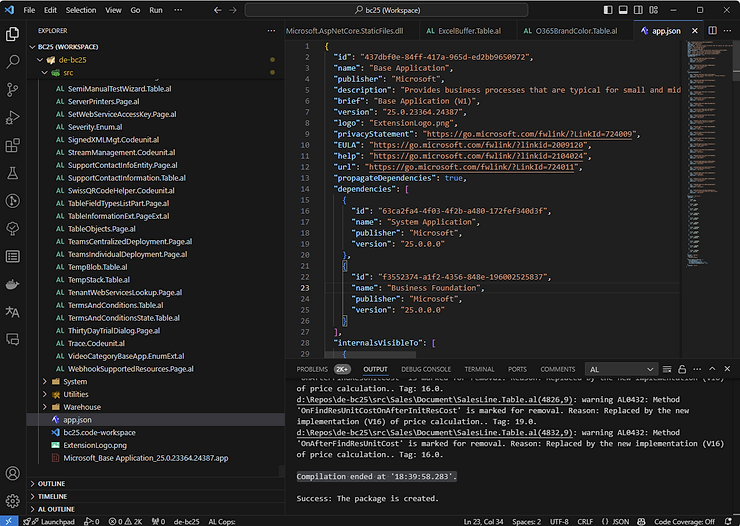
Compilation ended at '18:39:58.283'.

