What/Who is OpenAI?
OpenAI was founded in 2015 by a group of leading researchers and tech industry figures, including Elon Musk and Sam Altman. The organization's mission is to develop and promote friendly AI that will benefit humanity as a whole. To achieve this goal, OpenAI conducts cutting-edge research in areas such as machine learning, natural language processing, and computer vision.
How does it work?
Login or register on openai.com and start a new thread:
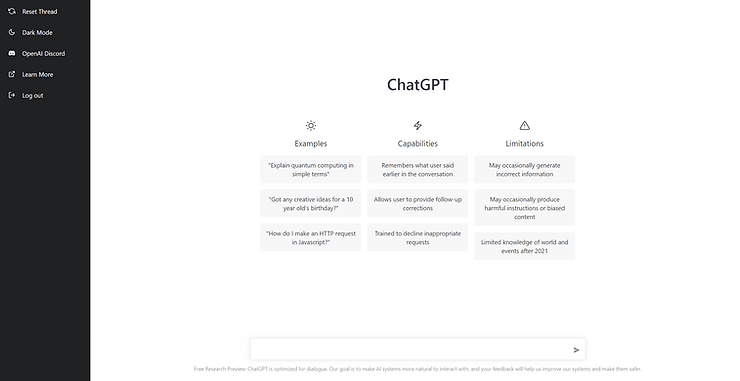
Ask anything you want:
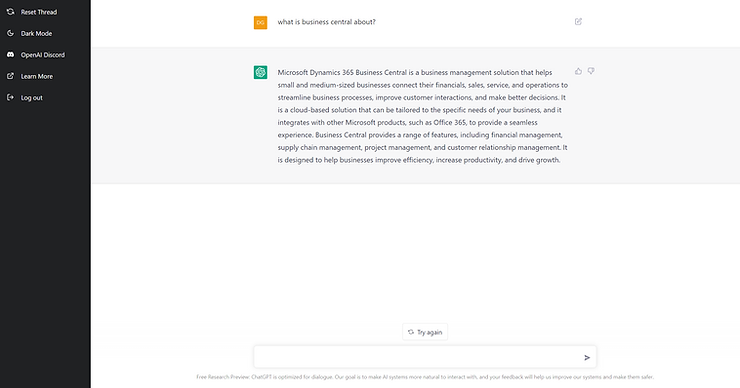
Nice :)!
So lets go for the next one:
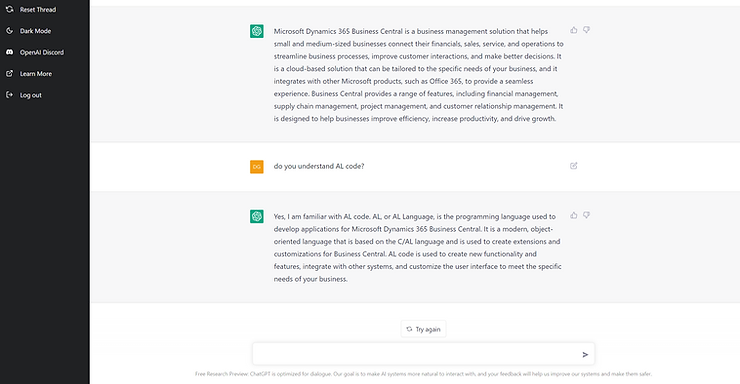
Pretty cool! And what about some specific requirements?
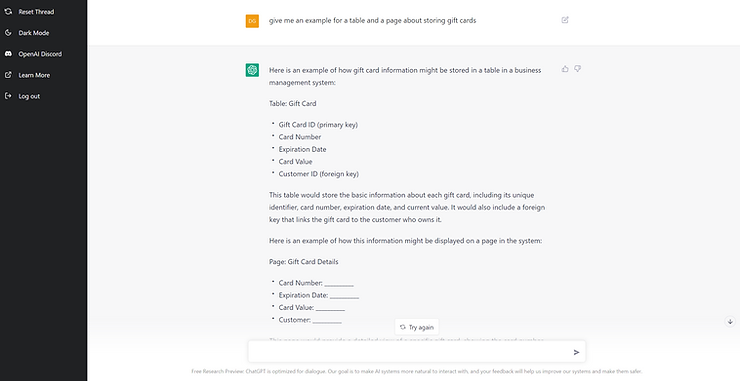
And now AL code:
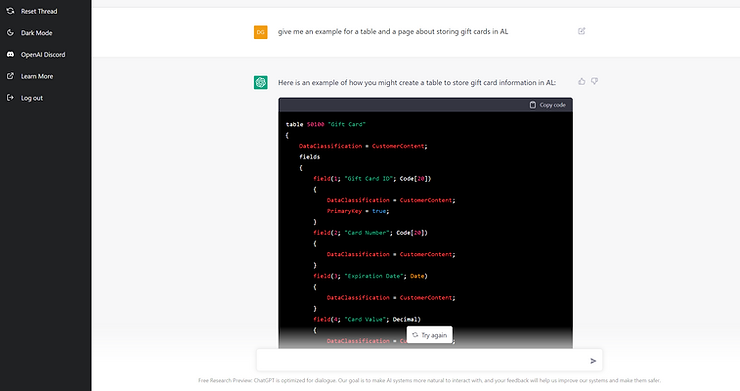
Wow, not bad or? Ok you need to adjust some properties but overall it's pretty cool:
table 50100 "Gift Card"
{
    DataClassification = CustomerContent;
    fields
    {
        field(1; "Gift Card ID"; Code[20])
        {
            DataClassification = CustomerContent;
        }
        field(2; "Card Number"; Code[20])
        {
            DataClassification = CustomerContent;
        }
        field(3; "Expiration Date"; Date)
        {
            DataClassification = CustomerContent;
        }
        field(4; "Card Value"; Decimal)
        {
            DataClassification = CustomerContent;
        }
        field(5; "Customer ID"; Code[20])
        {
            DataClassification = CustomerContent;
        }
    }
    keys
    {
        key(PK; "Gift Card ID")
        {
            Clustered = true;
        }
    }
}

page 50100 "Gift Card Details"
{
    layout
    {
        area(Content)
        {
            group("Card Information")
            {
                field("Card Number"; "Card Number")
                {
                }
                field("Expiration Date"; "Expiration Date")
                {
                }
                field("Card Value"; "Card Value")
                {
                }
                field("Customer"; "Customer ID")
                {
                }
            }
        }
    }
}