Microsoft PowerToys is a set of utilities for power users to tune and streamline their Windows experience for greater productivity. It is an open-source project and can be downloaded for free from the Microsoft GitHub page.
There you go:
https://github.com/microsoft/PowerToys/releases/tag/v0.66.0
PowerToys includes a variety of tools such as:
- FancyZones: Allows users to organize their open windows into customizable "zones" for easier multitasking.
- PowerRename: A utility for batch renaming files. It allows users to search for and replace text in file names, add prefixes or suffixes, and more.
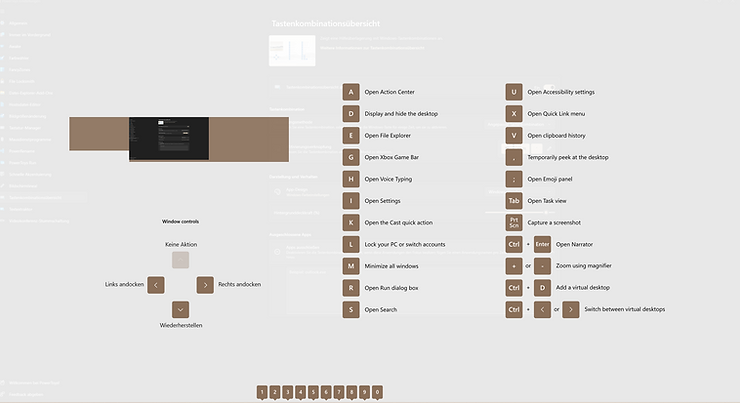
- Shortcut Guide: Displays a list of keyboard shortcuts for the current application, making it easier for users to learn and use shortcuts.
- PowerToys Run: A launcher that allows users to quickly search and launch apps, files, and folders using a customizable keyboard shortcut.
- Image Resizer: A tool that allows users to quickly resize multiple images at once.
- File Explorer Add-ons: This includes tools like Preview Pane and Details Pane, which allows users to view file properties, metadata and thumbnails.
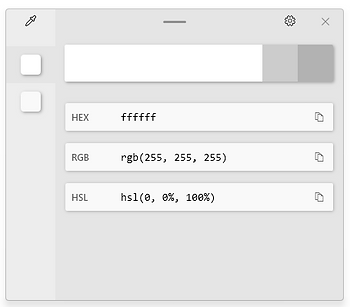
- Color Picker: A tool that allows users to pick colors from anywhere on the screen and copy the color code to the clipboard.
- Keyboard Manager: This allows users to remap keys and create custom keyboard shortcuts.
- and many more!
File Locksmith:
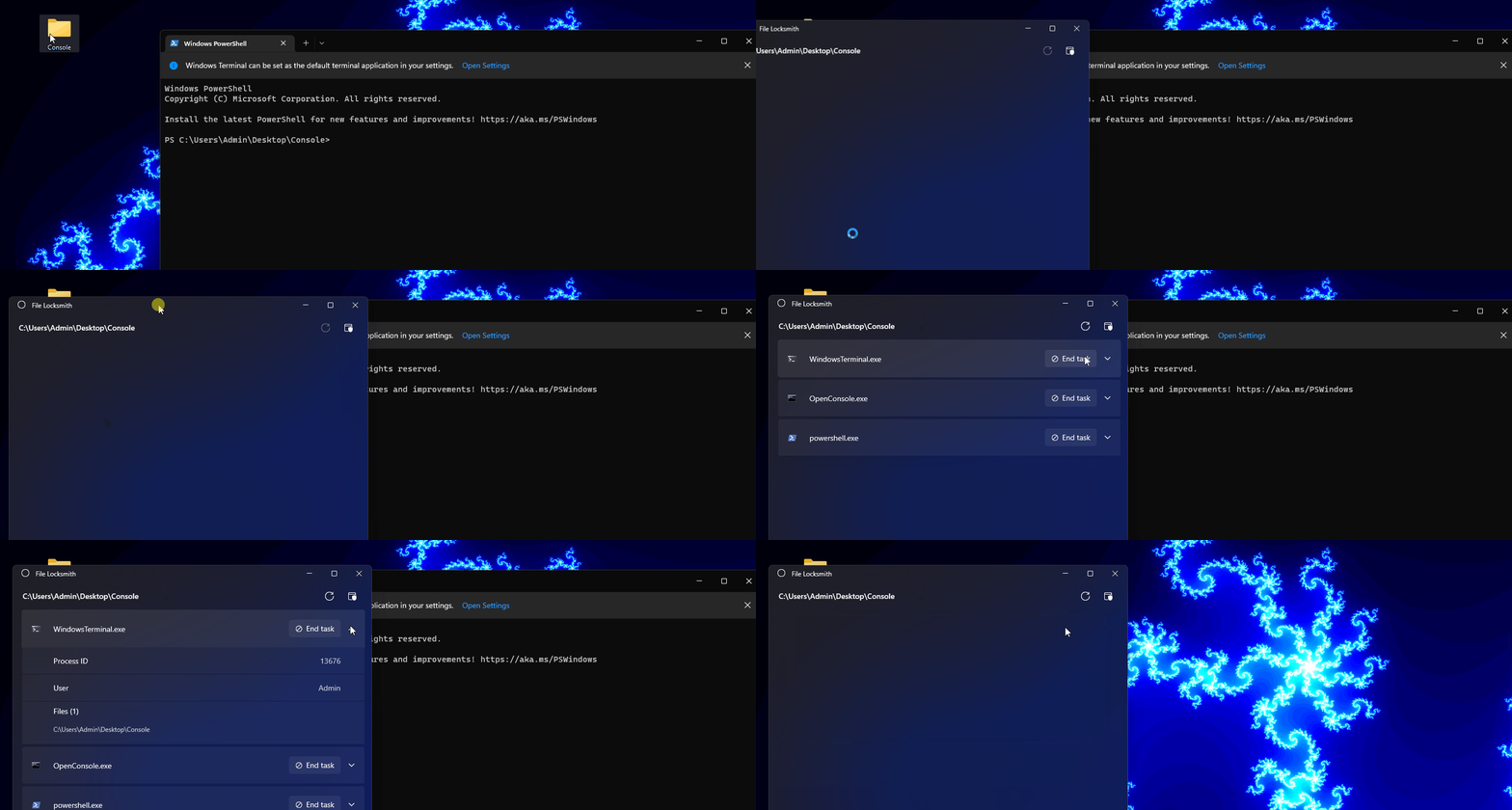
Source: https://learn.microsoft.com/en-us/windows/images/powertoys-file-locksmith.gif
Keyboard Manager:
Color Picker: