

Take a look at our github repository to see how this is solved.
https://github.com/byndit/BeyondAL
What do we want to achieve?
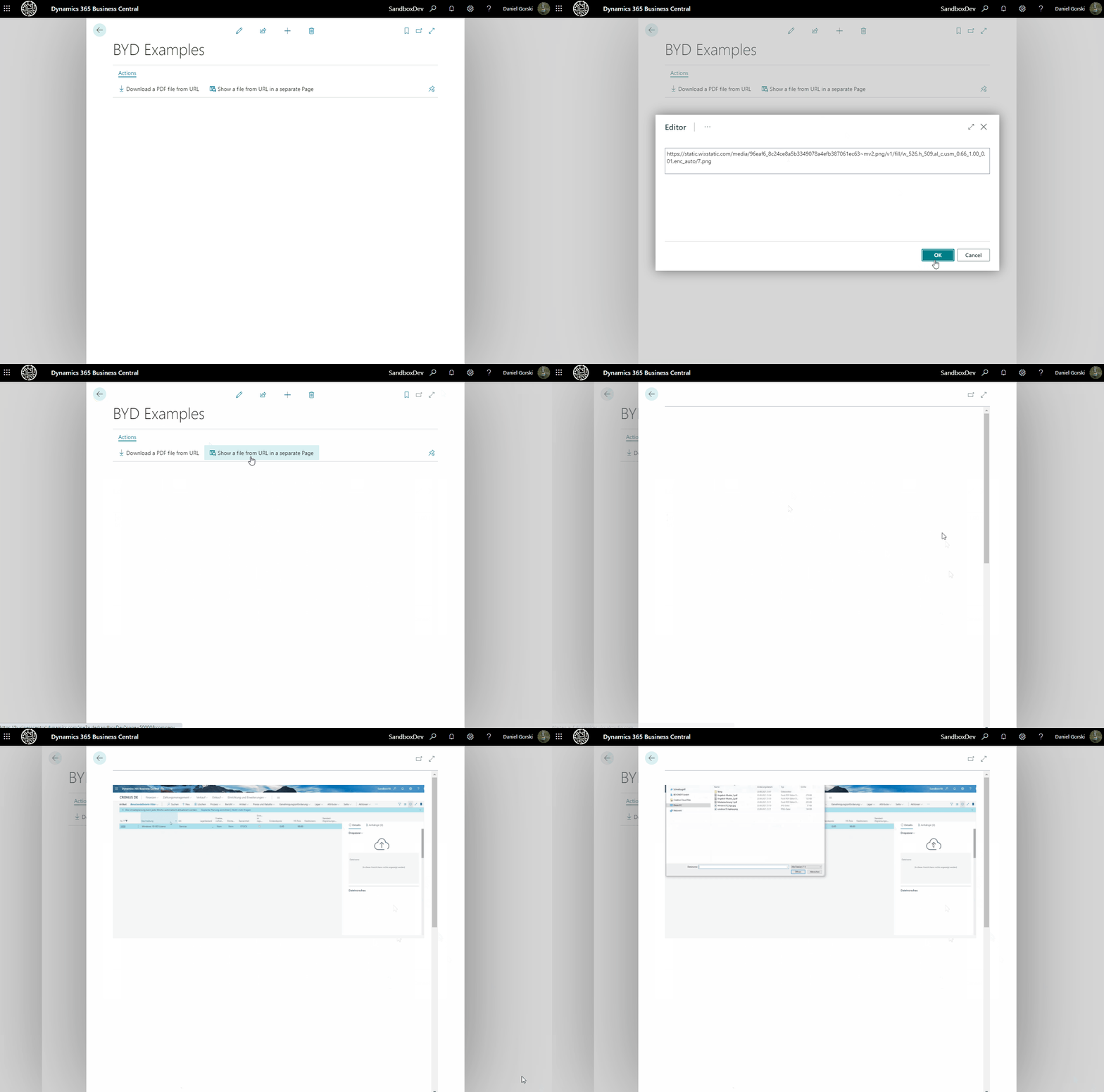
We would like to enter any specific url related to a picture or gif-file and see it directly in our page.
Let's build a small page and use it as an editor to enter the url:
page 50002 "BYD Editor"
{
    UsageCategory = None;
    Caption = 'Editor';
    PageType = Card;

    layout
    {
        area(content)
        {
            grid(Editor)
            {
                ShowCaption = false;
                field(EditorText; EditorText)
                {
                    ApplicationArea = All;
                    MultiLine = true;
                    ShowCaption = false;
                }
            }
        }
    }

    procedure GetText(): Text
    begin
        exit(EditorText);
    end;

    var
        EditorText: Text;
}
A small javascript control addin will help us to create an img element inside our html document.
function LoadFile(url) {
	var fileObject = document.getElementById("fileObject");
	if (fileObject) {
		placeholder.removeChild(fileObject);
	}

	fileObject = document.createElement("img");
	fileObject.id = "fileObject";
	fileObject.style.height = "auto";
	fileObject.style.width = "100%";
	fileObject.setAttribute("src", url);

	placeholder.appendChild(fileObject);
}
After this we will throw an inlined image (png), encoded in base64.
Give it a try and paste it into your browser:
data:image/png;base64,UklGRjoIAABXRUJQVlA4WAoAAAAYAAAAPAAAPAAAVlA4TFoHAAAvPAAPENXYtm3bdRNL///LVR7rQUdyuOl1kINNzrBhVjC+LsEiZ5lDhARItk27umdfxLbzbdu2bdu2bSO2bdu2bdvJfdgT4P+aAHQXbLXItiH2bB+kHq7dHuhxqIdMYT9vcCaKNDJJIRQ3NsoyIu5z1X... (abgekürzt)It's pretty simple, isn't it?
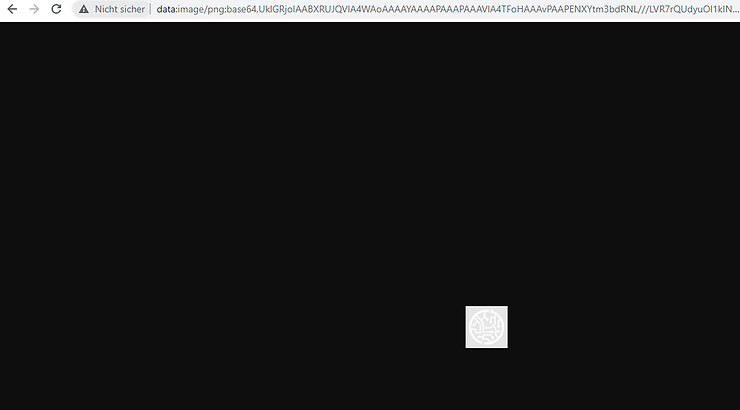
So let's:
- Paste the url into our new editor,
- throw a request,
- convert the response into base64,
- and generate an inlined image encoded in base64.
- Our control addin will show it in a separate page.
procedure ViewImagefromURL()
var
    Base64Convert: Codeunit "Base64 Convert";
    BYDViewer: Page "BYD Viewer";
    BYDEditor: Page "BYD Editor";
    Instr: InStream;
    Base64: Text;
    Url: Text;
begin
    Clear(BYDEditor);
    BYDEditor.LookupMode := true;
    if BYDEditor.RunModal() <> Action::LookupOK then
        exit;
    Url := BYDEditor.GetText();
    BYDWebRequestMgt.ResponseAsInStr(Instr, BYDWebRequestMgt.PerformWebRequest(Url, Enum::"BYD Web Request Method"::GET));
    Base64 := Base64Convert.ToBase64(Instr);

    Clear(BYDViewer);
    BYDViewer.SetVariables(url, Base64);
    BYDViewer.Run();
end;
Have fun!

