

by using www.beyond-barcodes.de
Our module on AppSource includes objects that you need to add barcodes to reports.
It's basically a two-liner to generate barcodes or qr-codes in your report:
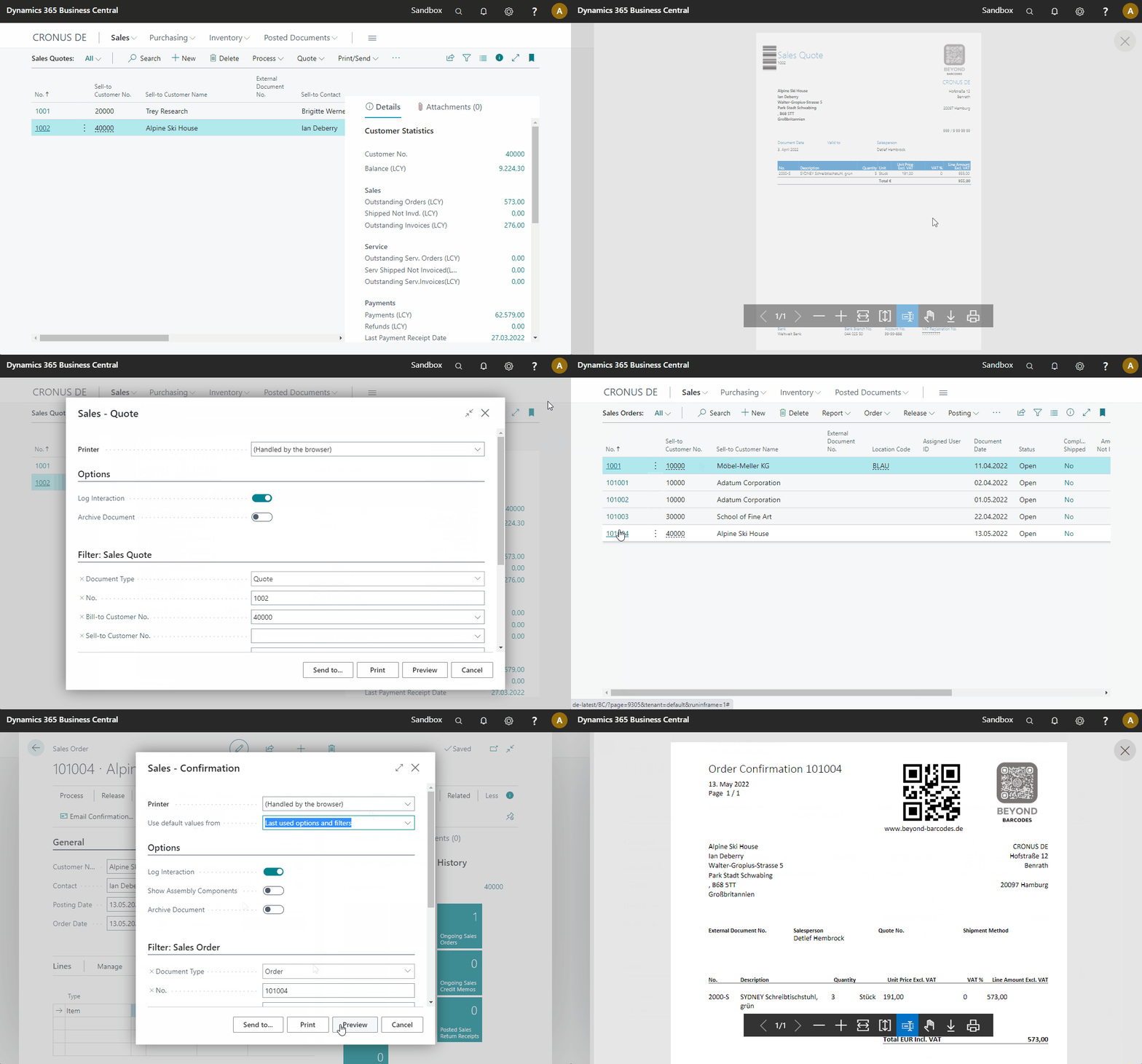
Our project on GitHub shows you in some different ways on how to integrate our API to generate barcodes. You can also use our Dynamics 365 Business Central App.
You can easily extend the standard reports which is using a word layout:
- Create a barcode for any value you want. In this example it's the "No." of our Sales Quote or Sales Order.
- Import the stream into any record with a field of type
MediaSetorBlob. This example is using aMediaSeton table 27, which is a standard field. Why not? ;-) - Add a column with that
MediaSet/Blobinto your dataset.
reportextension 50102 "ABC Sales Quote" extends "Standard Sales - Quote"
{
    WordLayout = '.\\src\\StandardSalesQuote.docx';
    dataset
    {
        modify(Header)
        {
            trigger OnAfterAfterGetRecord()
            var
                InStr: InStream;
            begin
                Beyondbarcodesde.CreateBarcodeOnDocument(Header."No.", TempItem);
            end;
        }
        add(Header)
        {
            column(BarcodePicture; TempItem."Picture") { }
        }
    }

    var
        Beyondbarcodesde: Codeunit "ABC beyond-barcodes-de";
        TempItem: Record Item temporary;
}
Please follow us on LinkedIn.

